
The Quick Last Prompt
UC Berkeley researchers spent eight months watching people use AI tools. The tools worked. That's not the good news.

The Brief
This article examines UC Berkeley research showing that generative AI tools intensify work rather than reducing it. An eight-month ethnographic study of 200 tech workers found that AI expanded job scope, erased work-life boundaries, and created a self-reinforcing cycle of accelerating demands that organizations have yet to address.
- Does AI reduce workload for employees?
- UC Berkeley research found the opposite. In an eight-month study of 200 tech workers, generative AI consistently intensified work by expanding job scope, eroding boundaries between work and rest, and raising speed expectations. Workers felt more productive but not less busy.
- What is AI work intensification?
- Work intensification from AI takes three forms identified by Berkeley researchers. Employees take on tasks outside their role because AI makes them feel accessible. Work bleeds into breaks and evenings through conversational prompting. And parallel multitasking across AI workflows creates constant attention-switching.
- What is an AI practice framework?
- A concept proposed by UC Berkeley researchers Xingqi Maggie Ye and Aruna Ranganathan for organizations to deliberately structure AI use. It includes intentional pauses before decisions, sequenced workflows to reduce context-switching, and protected time for human-only conversation to prevent burnout.
The researchers noticed it during lunch. Between meetings. Right before someone closed their laptop for the day. A quick prompt typed into an AI tool. Not because anyone assigned it. Because it was possible. So people did it.
I've been sitting with a UC Berkeley study that watched this happen for eight months.1 Xingqi Maggie Ye and Aruna Ranganathan spent eight months inside a 200-person tech company. Employees had broad access to generative AI tools. The company didn't mandate AI use. It just offered subscriptions. What the researchers found wasn't failure. It was success. And that's what makes this study worth paying attention to.
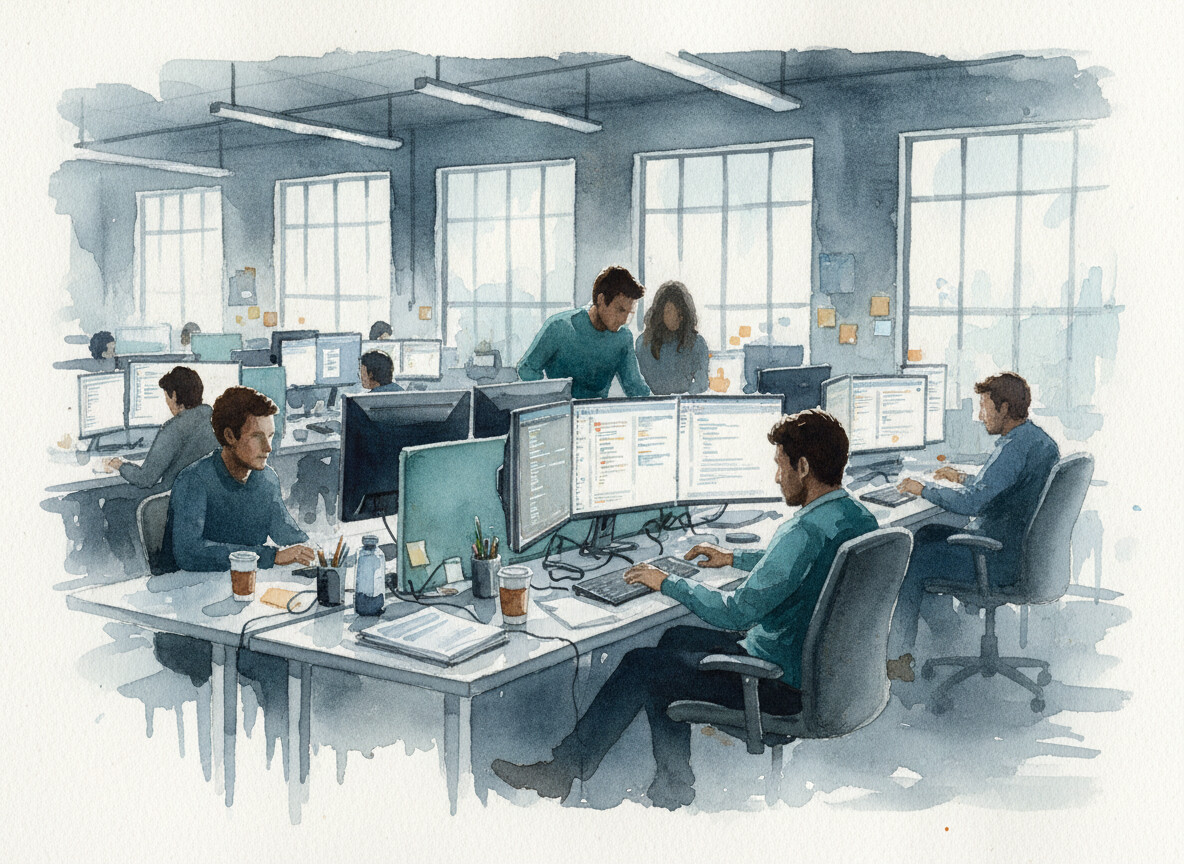 Product managers started writing code. Designers picked up engineering tasks. The org chart didn't plan for any of it.
The AI tools worked exactly as promised. People got faster. They took on more. Product managers started writing code. Designers picked up engineering tasks. Researchers attempted work they would have outsourced or avoided entirely.2 AI made unfamiliar tasks feel accessible. The experiments accumulated into something the org chart never planned for. Job scope quietly widened. What used to require a new hire got absorbed by the person already there. Their reward was the opportunity to absorb more.
Then the knock-on effects arrived. Engineers started spending more time reviewing, correcting, and coaching colleagues who were "vibe-coding" their way through pull requests.2 That oversight wasn't on anyone's calendar. It showed up in Slack threads and quick desk-side conversations, layering new demands onto people who were already moving faster.
And then there was the boundary problem. Because prompting felt conversational, not like formal work, it slipped into moments that used to be breaks. People sent prompts during lunch, in meetings, right before bed. I read that sentence and checked my own screen time. Workers would send "a quick last prompt" before leaving their desk so the AI could work while they stepped away.1 It felt like nothing. Over eight months, it erased the pauses that used to separate work from the rest of the day.
The self-reinforcing cycle is what caught my attention. AI accelerated certain tasks. Faster output raised expectations for speed. Higher expectations made workers more reliant on AI, which widened what they attempted. And that expanded the workload. As one engineer put it, "You had thought that maybe, oh, because you could be more productive with AI, then you save some time, you can work less. But then really, you don't work less. You just work the same amount or even more."2
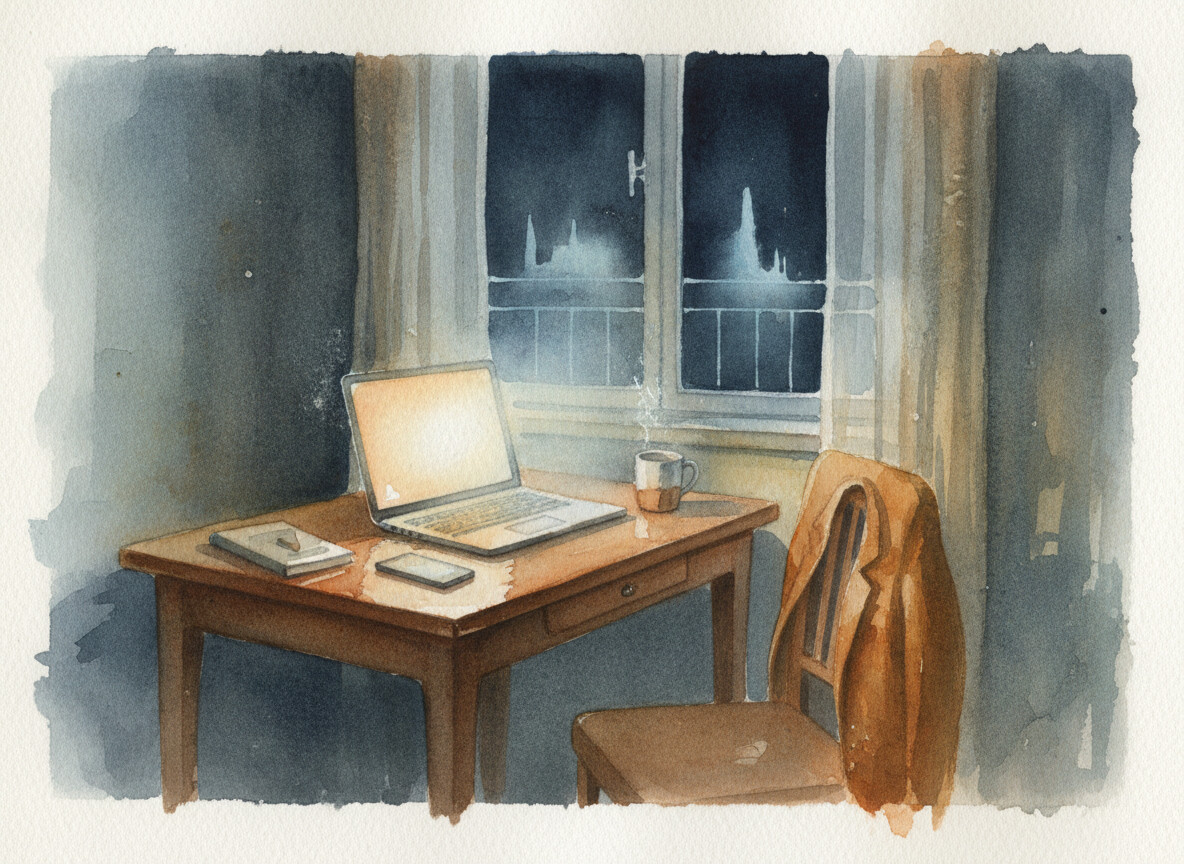 It felt like nothing. Five seconds to type. And it quietly erased every boundary the workday used to have.
The fascinating part? This wasn't imposed. Workers chose it. They described AI as a "partner," something that gave them momentum.2 Momentum doesn't come with a stop signal. And because the extra effort felt voluntary and even enjoyable, managers couldn't see how much additional load people were carrying until the strain was already structural. A separate survey of 1,500 corporate professionals found 83 percent experiencing burnout, with overwhelming workloads as the top driver.3 By every available metric, these were the most productive employees their companies had ever had.
Ye and Ranganathan propose what they call an "AI practice." Deliberate norms around when to use AI, when to pause, and when to stop.1 Things like structured decision pauses, batched notifications, protected time for conversation that doesn't involve a prompt window. It sounds reasonable. But most organizations won't build those norms until the burnout is already visible.
The technology delivered exactly what it promised. And somewhere tonight, someone who's been productive all day will type one more prompt before bed. Five seconds. It'll feel like nothing.
References
Footnotes
-
Ye, X. M. & Ranganathan, A. (2026). "AI Doesn't Reduce Work, It Intensifies It." Harvard Business Review. ↩ ↩2 ↩3
-
UC Berkeley Haas School of Business. (2026). "AI promised to free up workers' time. UC Berkeley Haas researchers found the opposite." Berkeley Haas Newsroom. ↩ ↩2 ↩3 ↩4
-
Marinova, P. (2026). "AI Promised to Save Time, Instead It's Created a New Kind of Burnout." Decrypt. ↩
More to Explore

How AI Hacks Humans
Google changes your settings every week. So when a scam asked a specialist to log in and change one, it sounded like work.

A Lived-In Language
The government tried to erase this language. Its speakers are still coining words.

The Endorsement
The government banned Anthropic's AI for being too dangerous. Every competitor's model is still running. That's not the compliment it sounds like for the competition.
Browse the Archive
Explore all articles by date, filter by category, or search for specific topics.
Open Field Journal